
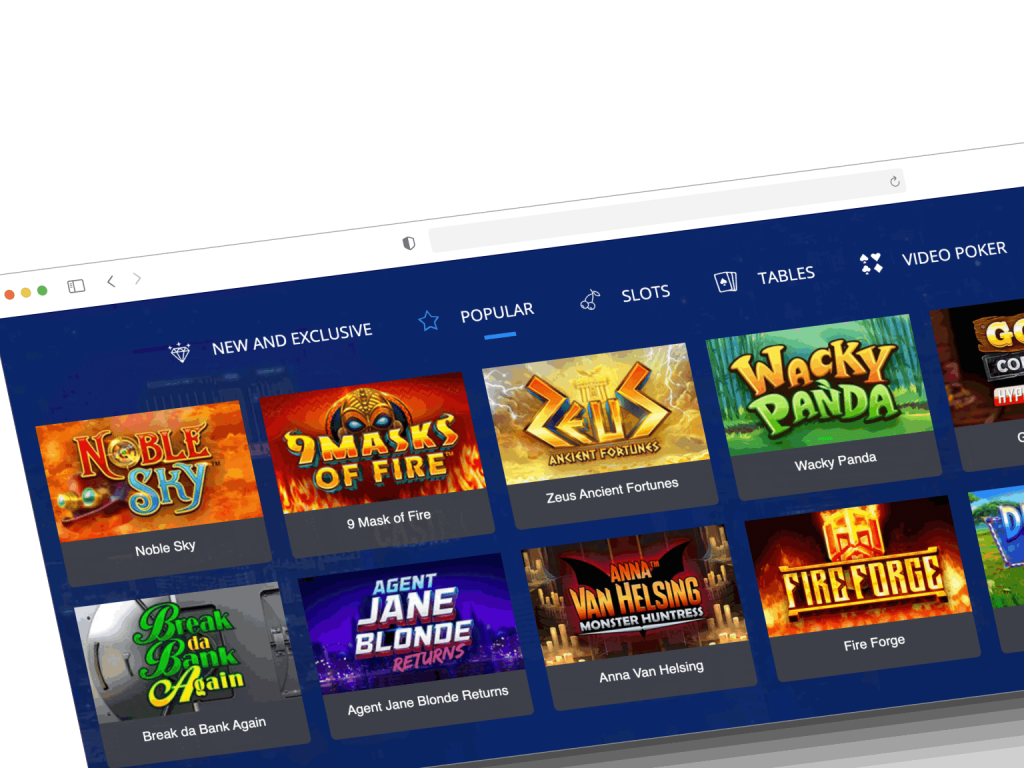
After putting in a lot of time within Flax Casino’s game lobby, I stumbled on a tool that numerous players either love or steer clear of https://flaxcasino.eu/. The auto play feature sits right next to the spin button, patiently waiting to take over the clicking. I logged dozens of hours through slots and a couple of table games, and both the real advantages and the hidden drawbacks became evident. What comes next is a practical review at just how the feature works, what configurations you have, and where it might trip you up.
What Is Flax Casino’s Auto Play Option?
Auto play is a built‑in tool that lets a game operate automatically for a specific number of rounds. You choose the number of spins, loss limits, and win ceilings, then the game executes everything without you touching the spin button each time. Flax Casino doesn’t create its own software, so the auto play experience depends entirely on the game provider. NetEnt, Play’n GO, and Pragmatic Play titles all handle it slightly differently, but the basic idea is identical across the site.
How Auto Play Functions on Slots
Inside a standard slot, a small auto play button displays a menu. You can pick anything from 10 up to 1,000 automatic spins, according to the game. The advanced options often enable you to pause on any win, stop when a individual win hits a particular amount, or halt if the balance rises or decreases by a set percentage. Once the session starts, the reels whirr by and the balance updates after each spin. You can end at any point by pressing the stop button.
Auto Play in Table Games
RNG‑based table games sometimes provide auto play, but it’s much rarer. At Flax Casino, a few blackjack and roulette titles enable you to replay the same bet for various hands. Live dealer games, though, never have it, because human dealers and real‑time chat prevent automation. My testing focused mostly on slots, where the feature is most fully implemented. Still, those few RNG table games that supported auto play gave a reliable, if a bit inflexible, automated betting pattern.
The Testing Process
I deposited real money and tried several popular slots over multiple sessions, changing bet sizes, loss limits, and win‑stop conditions along the way. I sought to see how the system handled fast spins, internet hiccups, and bonus triggers. I used screen recordings to catch moments where auto play stopped without warning or behaved in ways the menus didn’t fully explain. Extended sessions were part of the plan too, so I could confirm whether reality check pop‑ups interrupted the flow the way they’re meant to.
Slots Evaluated with Auto Play
I picked Starburst, Book of Dead, Wolf Gold, and the jackpot slot Mega Moolah. Each one stems from a different provider, so the auto play menus varied. Starburst maintained things clean and simple, while Book of Dead introduced extra stop conditions. Wolf Gold enabled me toggle a quick spin mode that quickened the pace. I included Mega Moolah to see if the progressive jackpot trigger triggered any odd behaviour. I evaluated all of them on both desktop and mobile browsers.
Starburst Auto Play Deep Dive
Starburst was to be the smoothest for automated play. The auto play menu let me set up to 1,000 spins, with options to halt on any win or when a single win exceeded a set amount. The game operated at a steady clip and the balance updated cleanly after each spin. During a 500‑spin session with a small stop‑loss, the feature accurately halted once the balance dropped by 20%. The only minor gripe: quick spin mode had to be activated on separately in the main settings, not inside the auto play panel.
Pros of Flax Casino Auto Play
Auto play brings several practical advantages that go far beyond laziness. If you love watching the reels without clicking constantly, the feature renders the session feel more relaxed. Strategy testing becomes far more efficient when you can run hundreds of spins in a fraction of the time. It also assists people with wrist strain or anyone who wants to keep half an eye on the game while doing something else. Below are the main benefits I observed during the test.
Time-Saving and Hands-Free Play
The biggest win is speed. A round that might take three seconds with a manual click can finish in under a second when quick spin is on. Over a long session, that turns hours of play into minutes. The hands‑free setup also allows you watch the game’s rhythm without the distraction of hitting a button every time. This became especially handy on low‑volatility slots where I wanted to see how the base game behaved across thousands of spins.

Enhanced Strategy Testing
If you’ve ever wanted to trial a betting progression or a stop‑loss rule, auto play is a gift. I ran a Martingale‑inspired sequence on a low‑limit roulette game, and the automated tool kept the bet size spot on without any human slip‑ups. Over 200 spins, the system adhered to the plan perfectly. That kind of discipline is tough to maintain manually, especially once emotions sneak in after a couple of losses. Auto play removed that variable completely and gave me clean data.

Lowered Physical Strain
Repetitive strain from clicking a mouse or tapping a screen is a real problem for anyone who loves long sessions. Auto play wipes out that physical demand. Even on a touchscreen, where tapping feels lighter, the constant motion can still tire you down. The feature allows you rest your hands while the game keeps going. I noticed a clear comfort difference after a two‑hour session with auto play versus the same length of manual spins.
Auto Play Configuration Choices at Flax Casino
The degree of control you receive over auto play is largely determined by the game provider. Some slots provide a bare‑bones menu featuring only a spin count, but others pack a full set of stop conditions. Flax Casino itself doesn’t add any extra layer. Everything sits in the game client. Examining those settings before you hit start is important, because the defaults are seldom conservative. The settings I found most useful included those that cap losses and lock in wins.
Stop-Loss and Win-Limit Settings
The most valuable safety net is the stop‑loss function. You can configure it as a percentage of the current balance or a fixed amount. Once the balance falls to that mark, auto play stops right away. A win‑limit setting performs the opposite function, halting the session when the balance increases by a certain sum. Those two settings combine to keep a session disciplined. During my test, a 30% loss limit paired with a 50% win limit successfully capping both downside and upside automatically.
Number of Spins and Session Timers
Selecting a predetermined spin count is the simplest way to use auto play, but it offers you the least protection. I found that combining a spin count with a stop‑loss resulted in a much safer experience. A few games also include a session timer, although it is uncommon. The timer pauses auto play after a set number of minutes. That’s handy if you want to enforce a strict time limit without depending on the casino’s separate reality check tool.
Drawbacks of Flax Casino Auto Play
Even with those perks, auto play isn’t flawless. The speed that speeds things up can also speed up losses. The emotional distance from each spin reduces the natural pause you get with manual play. On top of that, not every game handles bonus rounds seamlessly, and technical glitches can break the flow. The problems below appeared during my live test, and a few of them could quickly blindside someone who is not paying close attention.
Danger of Rapid Bankroll Depletion
When spins speed through at three per second, a losing streak can exhaust a balance at an alarming rate. On a medium‑volatility slot, I witnessed a €50 balance vanish in under four minutes with a €0.50 bet. The loss limit didn’t trigger because the losses were regular but small, never triggering the per‑spin loss threshold. That revealed a weakness in the safeguard system. Any user using auto play without a strict overall loss limit in mind can blow their budget before they’ve even realized what’s happening.
Missing Interactive Bonus Features
Many modern slots have selection‑based bonus rounds or free‑spin features that demand your input. Auto play usually pauses when these activate, but not always. In one instance, a bonus round on Book of Dead started while the auto play timer kept ticking away unnoticed. The game sat waiting for my input, effectively wasting the free spins. I had to by hand cancel auto play and begin again the bonus. Issues of this kind can disrupt the flow and, more critically, make you miss a valuable win.
Tech Issues and Disconnections
A steady connection is a necessity for seamless auto play. During a session on mobile data, a brief signal drop stopped the game in the middle of a spin. When the connection was restored, auto play had stopped and the balance showed a mismatch. Support confirmed the spin was invalidated, but the break was unsettling. Another glitch happened when the browser tab lost focus; the auto play slowed down dramatically. These technical quirks mean the feature is not as hands‑off than it looks.
Safe Betting Tools and Automated Spins
Flax Casino has a accountable gaming setup that operates apart of the game’s auto play. Deposit restrictions, stake limits, and session alerts are all adjusted from your account settings. Auto play does not overrule those protections. When a session alert alert appears, the game stops and waits for you to acknowledge the time you’ve spent. That’s a key design detail. It implies you can’t schedule a thousand spins and walk away from the screen without a prompt to take a break.
Time Reminders and Auto Play Pauses
During a longer session, the reality check showed every 60 minutes as I’d configured it. Auto play paused right away, and the screen dimmed behind the message. I had to press to continue. That created a natural pause and a chance to glance at the balance. I considered the interruption useful, even if it momentarily broke the rhythm. It serves as a reminder that the self-running tool is no an justification to quit being mindful to how much time and money is going in.
Setting Individual Limits Prior to Activating Auto Play
The most effective way to utilize auto play is to combine a few limits prior to you start. I’d suggest setting a deposit limit for the day, activating a reality check, and then setting the game’s own stop‑loss and profit limit. This tiered approach establishes a protection that still prevents you if one setting breaks. Auto play then becomes a convenience tool as opposed to a dangerous accelerator. The Flax Casino safe betting page keeps those account-wide controls easy to access and adjust.
Is Auto Play Suitable for Every Player?
Auto play suits certain playing styles extremely well and conflicts sharply with others. If you prefer the tactile feel of clicking and the deliberate pace of manual play, the feature will most likely feel cold and impersonal. If you want to examine game patterns or test a system across thousands of spins, you’ll see it as a time‑saver. My experience suggests auto play works best when you use it alongside strict limits and a clear intention, not when you’re chasing losses or rushing through a deposit.
For casual players who stick to short sessions, the feature delivers little. If you treat slots as entertainment where visuals and audio matter, the sped‑up animations can feel hollow. The auto play at Flax Casino doesn’t turn slots into a pure data stream, but it does strip away some of the charm. The decision to use it comes down to how much control you’re comfortable handing over to the software, and how carefully you set the boundaries before you press start.